Hgraph MCP & AI App Connectors
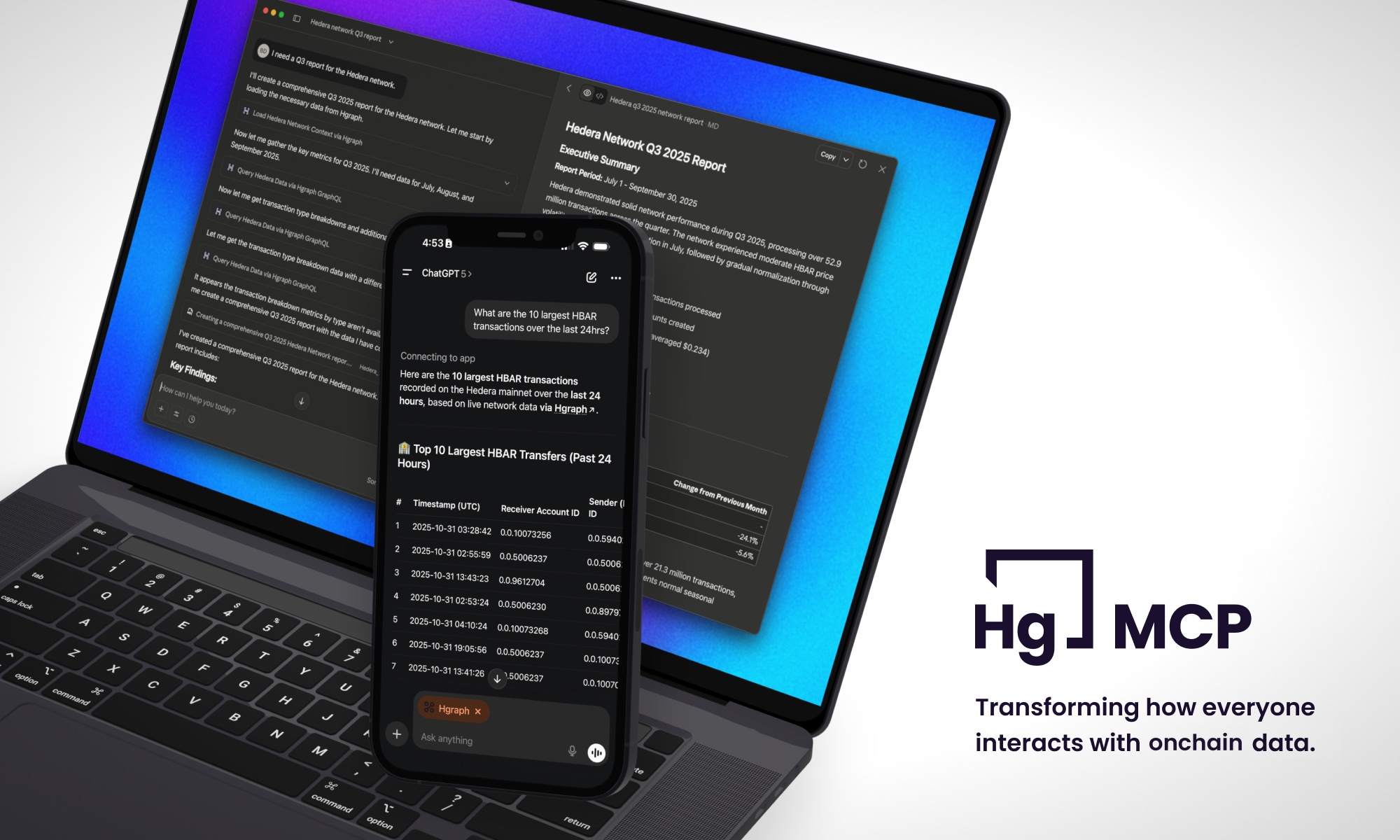
Connect AI to Live Blockchain Data
The Hgraph MCP Server connects AI assistants like Claude and ChatGPT directly to live blockchain data across networks including Ethereum, Base, Optimism, Polygon, Avalanche, BNB Chain, and Hedera. Query any of them using natural language—no coding required. AI assistants have general blockchain knowledge but cannot access live, network-specific data on their own—they need a real-time connection to the network, which is what this MCP connector provides.
It's one connector for every network: ask your assistant to run the list_chains tool to see what's live, and newly supported networks appear automatically with no reconfiguration.
Built by Hgraph, we provide enriched data from bare-metal infrastructure with real-time updates, DeFi metrics, and comprehensive network analytics.
What you can do
- ✘ Before - "Give me a portfolio breakdown of my wallet" → "I don't have access to live blockchain data"
- ✓ After - "Give me a portfolio breakdown of my wallet" → Real-time answer with current metrics, activity and holdings
Ask questions in plain English, get live blockchain data. No APIs, no manual queries, no coding, no complexity.
Just want to explore blockchain data without any configuration? Try the Hgraph AI Data Agent — same powerful data, zero setup.
Quick Start
Choose your preferred AI platform (or see a comparison further down).
Claude Setup
Recommended - one-click connect from Claude's directory
ChatGPT Setup
Developer Mode required (Beta)
What You'll Need
1. Paid Subscription to Claude or ChatGPT
Pick one of these paid plans.
- Claude Pro ($20/month) - Subscribe →
- OR ChatGPT Plus ($20/month) - Subscribe →
2. Free Hgraph Account
Create a free Hgraph account — you'll sign in with it when you connect:
- Sign up at hgraph.com →
- No credit card required
- Takes 2 minutes
You'll have two accounts: your paid Claude/ChatGPT account + your free Hgraph account. With Claude you connect via a one-click sign-in (OAuth) — no API key needed. ChatGPT and other clients (and any script or automated setup) use your Hgraph API key instead — see API Key Access.
Platform Comparison
Claude (Recommended): Listed in Claude's connector directory — connect in one click. Native MCP support, works across web/desktop/mobile.
ChatGPT: Requires Developer Mode (beta feature), web and mobile supported, slightly more setup steps.
More platforms coming: We're working on support for additional AI platforms and custom solutions.
The Hgraph MCP Server requires clients that support Streamable HTTP transport (MCP spec 2025-06-18). This server does not support the deprecated dual-endpoint SSE transport. All major LLM platforms (Claude, ChatGPT) support Streamable HTTP by default.
Learn More
- API Key Access → - Connect without OAuth, or from a script
- Examples & Use Cases → - See what's possible
- Usage Tips & Best Practices → - Get the most from your MCP